v0.44February 6, 2026
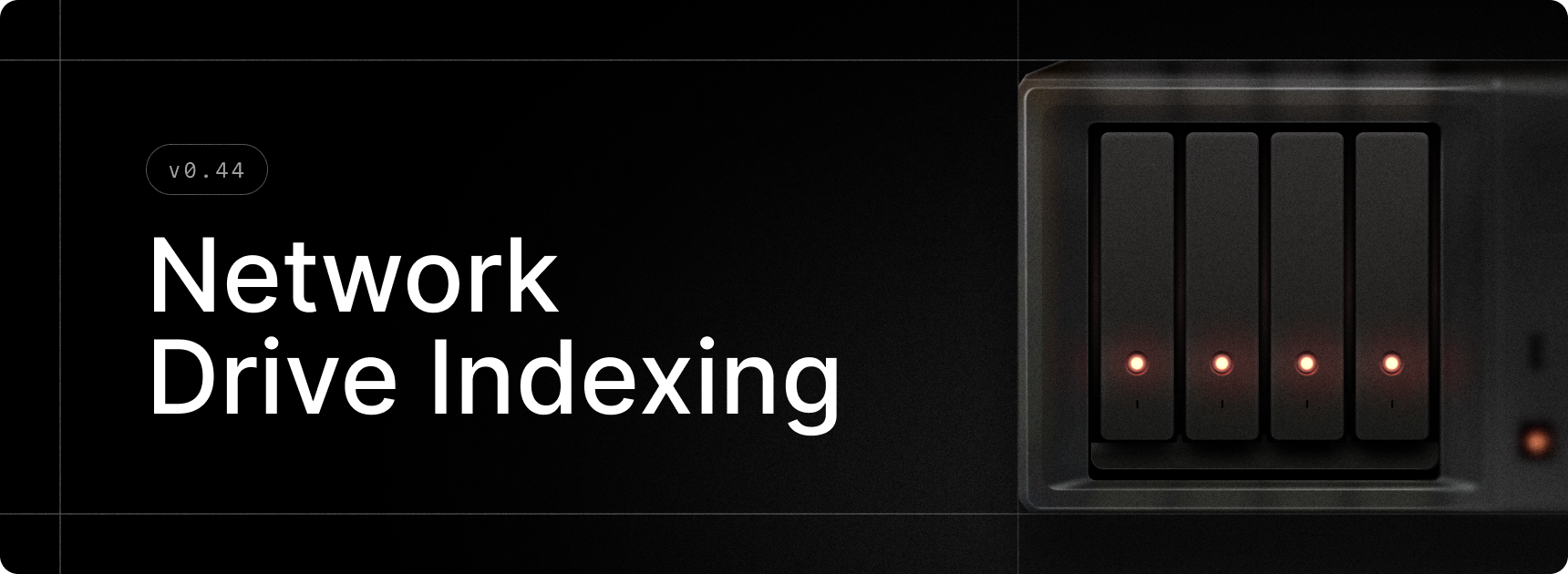
You can now index network and removable volumes for File Search.
Simply add them to the Search Scope in File Search Settings, and they will be automatically indexed. You can toggle deleting files in these volumes from the index when the volumes are disconnected via the “Keep Files from Removed Volumes” setting.
When indexing, local and non-removable volumes are indexed first, followed by network volumes and finally by removable volumes.
This enables extending File Search for cloud storage services that expose storage as a network mount, like Filen.io.
✨ New
- File Search: Allow indexing of removable and network drives
💎 Improvements
- File Search: Directories matching a query ending with a slash will now rank higher than their children.
- Quicklinks: Pin, Unpin, Move up and Move down actions are now available for Quicklinks.
- Run: Added shell selection (CMD, PowerShell, etc.) when creating or editing custom Run commands.
- Run: Updated command icons with a fresh design.
- Snippets: Added support for HTML snippet injection.
🐞 Fixes
- File Search: Ensure the “Keep Files from Removed Volumes” setting is accessible to users.
- Run: Fixed an issue where executables weren't found correctly due to PATH resolution.
- Settings: Fixed popovers sometimes being cut-off or badly positioned.
- Snippets: Fixed an issue where multi-line snippets weren't expanding correctly.
- Snippets: Fixed an issue where snippet expansion didn't work correctly when NumLock was enabled.
- Snippets: Fixed an issue where snippets could trigger incorrectly after switching windows.
- Snippets: Improved clipboard timing and Unicode character handling for more reliable expansion.
- Quicklinks: Fixed issue when creating a Quicklink to be opened with a default app.