🧠 Quick AI
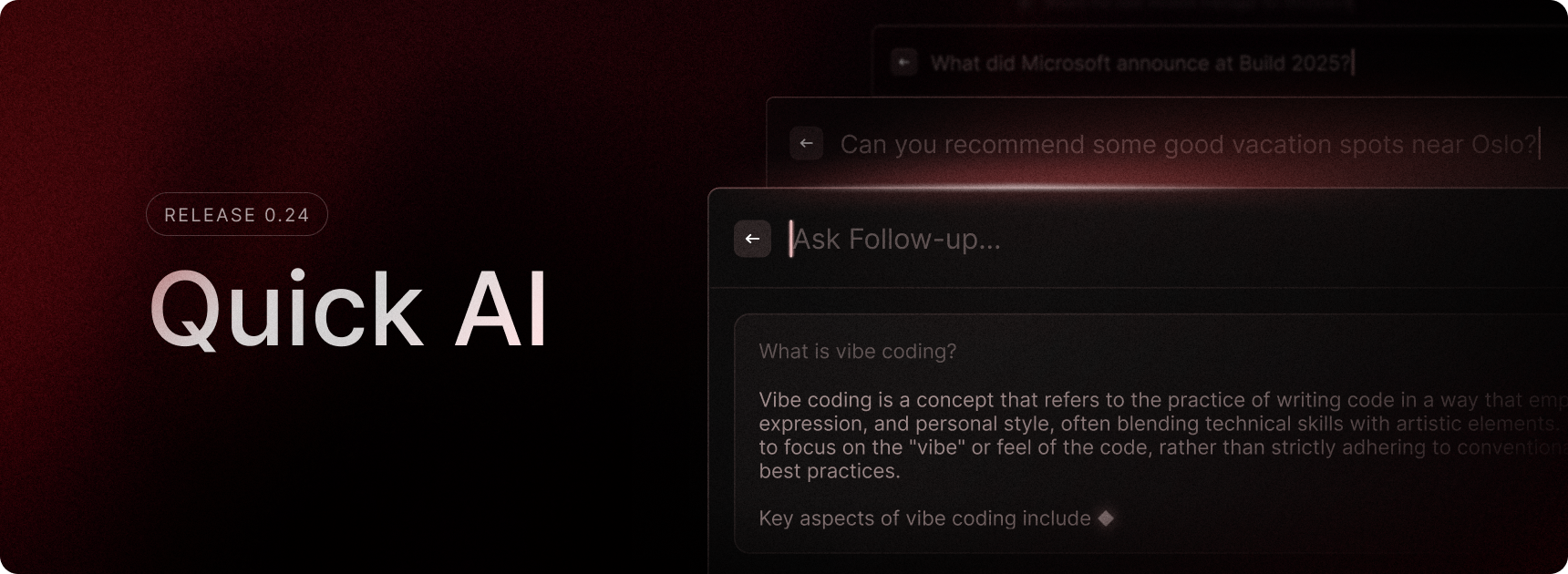
Need a quick answer? Quick AI is here to help! Just open Raycast, type your question, and press Tab to get the response. Whether it’s a programming question, content iteration, or a dinner recommendation — it’s all just a Tab away.
We introduced Quick AI on macOS two years ago and we are now bringing it to Raycast on Windows. During the Beta phase, we are giving all testers free access to Quick AI, along with the ability to use the AI models available in our Pro subscription. You can switch between available AI models in Settings.
This is just the first step in bringing Raycast’s powerful AI tools to Windows. We will improve Quick AI along the way and gradually start adding more of our advanced features such as AI Chat, AI Commands, AI Extensions, and others into the Windows experience.
✨ New
- Snippets and Quicklinks: You can now add dynamic placeholders to Snippets and Quicklinks. Initial support includes the Clipboard, UUID, Date, Date Time, Day, Time. Quicklinks also support Arguments.
- Extensions: We have added a load of new extensions, including Linear, Github, Notion, Slack, Google Translate and Youtube amongst others. Go check them out in the Store.
- Settings: You can now assign hotkey and aliases to system settings
- Snippets: Snippets now support rich text editing (bold, italics, strike-through, underline)
- Root search: Added a command ‘Copy Raycast Logs’ to copy your most recent two log files to the clipboard
- Root search: Control panel now appears as an application in root search
- Root search: Added a command to reset your Raycast Windows called ‘Reset Raycast Window Position’
💎 Improvements
- General: Improved focus management in the main window
- Calculator: Improved speed and performance
- Navigation: When deleting a search term, backspace doesn’t navigate back immediately after deleting the last character. Instead, you have to release the backspace key and press again to navigate back
- Navigation: Added shortcuts for the various copy actions found in the actions panel
- Navigation: Your Raycast window position will default to the center of your focused screen and remember where you last placed it
- General: Text is now selectable/copyable in certain places (clipboard, file search, changelog, etc)
🐞 Fixes
- Hotkeys: Raycast will now correctly pop up when you use a hotkey for a command that contains an alert
- Root search: Fixed an issue with Adobe not launching after opening it in Raycast
- Root search: Fixed fallback searches not working in other languages
- Calculator: Now takes into account your timezone and locale
- Calculator: Fixed visual of calculator item when not selected
- General: Fixed an issue where one could open multiple panels at once
- File search: Ensured recent files is refreshed in root search when deleting an entry
