v0.20March 27, 2025
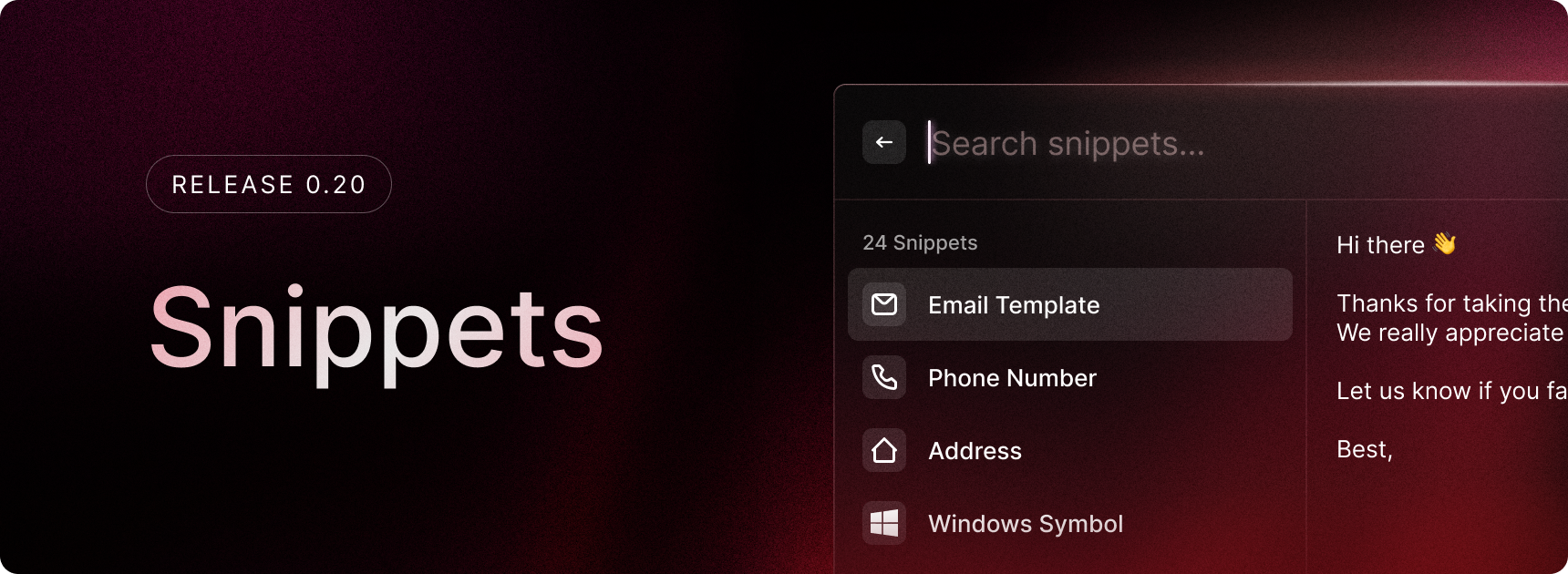
The first iteration of Snippets is here! Snippets are a powerful way to save time by storing frequently used text.
In this release of Snippets, you can:
- Create plain text snippets
- Copy snippets or paste them to the frontmost application
- Pin your most used snippets
In future releases, we’ll be adding rich text support, a better way to organize your snippets and keyword-based snippet expansion.
✨ New
- You can now customise the Emoji Picker’s columns, primary action, and skin tone through the Emoji & Symbols settings
- There is now a new Quick Open command that opens any URL passed to root search
- There are new system commands for controlling audio playback
💎 Improvements
- You can now assign a hotkey to any command, not just applications
- For files that appear in root search, there is now an action to view details in file search
- You can now find a Check For Updates button inside About settings
- There is now a new setting for how long Clipboard History is kept for
- Right clicking a list item will now open the action panel
- Open left action panel using
ctrl shift Kin root search
🐞 Fixes
- General improvements to application discovery
- Fixed an issue where sometimes the Settings menu item would be stuck in an inactive state
- The calculator now doesn’t react to small short keywords like “mon”, “tue”, etc.
